On the report
Dollar, percent or stage-based draw sheets, in your template and with your logo on the cover. The lender-branded sample prints dollars and percentages together.
See the report formats on the pricing page →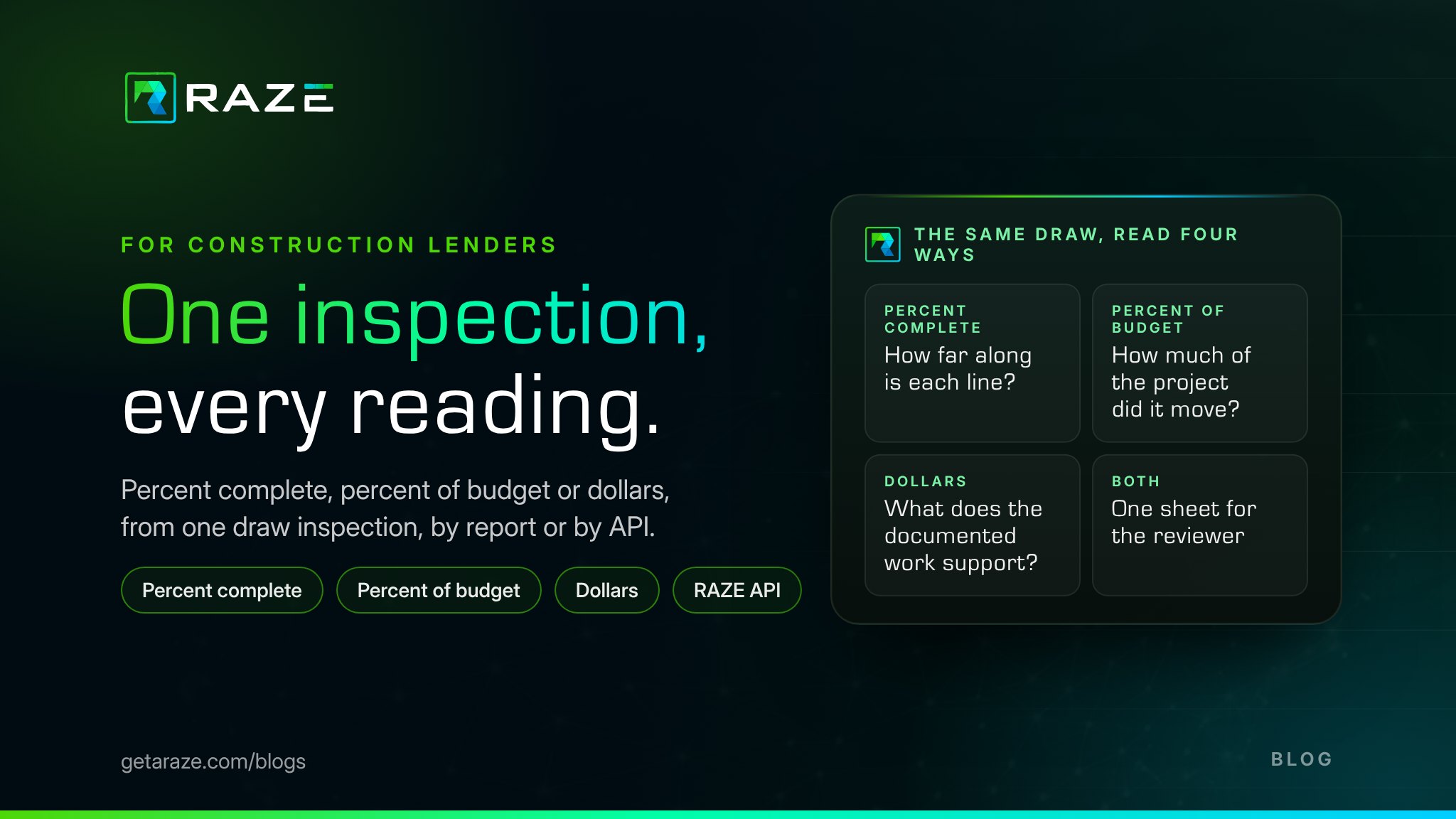
Ask three lenders how far along a house is and you can get three right answers. A bank's draw desk answers in dollars: how much of the loan the documented work supports. An inspector answers in percent complete: how much of each budget line is built. A credit union on a stage schedule answers in percent of budget: how much of the whole project each stage represents.
They are the same inspection, read through different lenses. RAZE records the measurement once, by budget line, and delivers it in whichever reading your process uses: on the report, in your own template, or as line data through the RAZE API, which your system can show in any reading. This guide shows the four readings on the site's sample reports, the two-step arithmetic behind them, and which reading a draw policy should name. Percent complete itself is defined in what percent complete means in a draw inspection; this guide starts where that answer ends.
Pick a sample report and a reading; nothing is measured again, because every view is arithmetic on the same line data.
Sample report
Read it as
Everything a reviewer reads, on one sheet
budget, weight, percent complete and this draw in dollars and percent of budget
Residential Draw Report · Draw 2
0001 Example Road, Florida
Example report| Budget line | Budget | Weightof budget | Completeprior to date | This drawdollars · of budget |
|---|---|---|---|---|
| Slab | $27,800 | 3.07% | 100% to 100% | – |
| Block walls | $78,000 | 8.62% | 100% to 100% | – |
| Framing | $86,500 | 9.56% | 0% to 100% | $86,500 · 9.56% |
| Roofing | $24,000 | 2.65% | 0% to 100% | $24,000 · 2.65% |
| Windows & exterior doors | $48,500 | 5.36% | 0% to 100% | $48,500 · 5.36% |
| Insulation | $21,000 | 2.32% | 0% to 0% | – |
| HVAC rough-in | $41,000 | 4.53% | 0% to 100% | $41,000 · 4.53% |
| Electrical rough-in | $38,500 | 4.25% | 0% to 100% | $38,500 · 4.25% |
| Plumbing rough-in | $52,000 | 5.75% | 0% to 100% | $52,000 · 5.75% |
| Finish electrical | $9,500 | 1.05% | 0% to 0% | – |
| Total | $904,900 | 100.00% | 20.10% to 52.20% | $290,500 · 32.10% |
Showing 10 of 35 budget lines; totals cover all 35.
moved this draw
Sample figures from the example reports on getaraze.com, with sample names and addresses throughout. Every reading is arithmetic on the same line data.
Each answers one question a lender asks of a draw.
Percent complete
Percent of budget
Dollars
Both
Decks, porches & patios on the private lender sample: $158,000 of a $738,000 budget, documented at 70% complete. Step one, its weight; step two, times percent complete.
Framing on the bank sample is 100% complete and weighs 9.56% of the budget. The weight puts every 100% in proportion.
The bank sample is 52.20% complete by dollars: $472,400 of $904,900. RAZE totals by dollar weight, which reconciles to the budget; a plain average of the lines would read 37.14%.
The credit union sample's Draw 1 moves 20.31% of the budget, $104,000, from a start of 0.00%.
This draw on the bank sample: $290,500, or 32.10% of the budget, supported by the inspection.
Every reading comes from two facts per line: its budget and its percent complete. On site, the inspector records percent complete by budget line in the RAZE Mobile App, with the photos that support each line, time and location stamped. From there the same inspection reaches the lender three ways.
Dollar, percent or stage-based draw sheets, in your template and with your logo on the cover. The lender-branded sample prints dollars and percentages together.
See the report formats on the pricing page →Your system pulls the prior and current percent per line, comments, line history, the photos linked to each line and the PDF as soon as the inspection is submitted, with no change to your core or LOS. Your budget is already there, so your system can show the draw in any reading.
Explore the Developer Portal →Ask an MCP-compatible AI assistant for the draw in dollars or in percent of budget; it reads the same inspection data.
Order through an MCP server →The work is measured once and read any way, from the draw desk to audit and exam review. RAZE documents the work on every line; the lender decides what to fund. What a lender's report standard should require, reading by reading, is in the draw inspection report standard.
The one your funding decision is made in, with the base written beside every percentage. These are common fits, not rules.
Banks usually read dollars, with percent beside them: the draw desk funds in dollars, and the file shows the line-by-line work behind each one.
A stage schedule reads percent of budget, by stage: each stage's weight is set at closing, and every draw moves the project through it.
A line-item budget reads percent complete per line, with dollars: the line view shows the progress, and the dollar view sizes the wire.
A policy that names its reading and its base reads the same way in every file, for the reviewer, the auditor and the examiner.
Where the reading sits inside the rest of the policy, from who orders to what holds a draw, is in how to write a draw inspection policy. When the inspection comes back short of the request in any reading, the lender's options are the same: see what happens when a draw inspection shows less work than requested.
What percent complete means in a draw inspection
The short answer this guide builds on.
Draw inspection report standard
What every report should hold, reading by reading.
How to write a draw inspection policy
Where the reading and its base belong.
Draw inspection field guide
The seven build stages behind a stage schedule.
See a sample inspection in the reading your draw desk funds in, from order to delivered report.
Request a DemoThe API reference, the guides and a Stage sandbox for pulling the line data into your system.
Explore the Developer PortalSee a sample inspection in the reading your draw desk uses.
Request a Demo