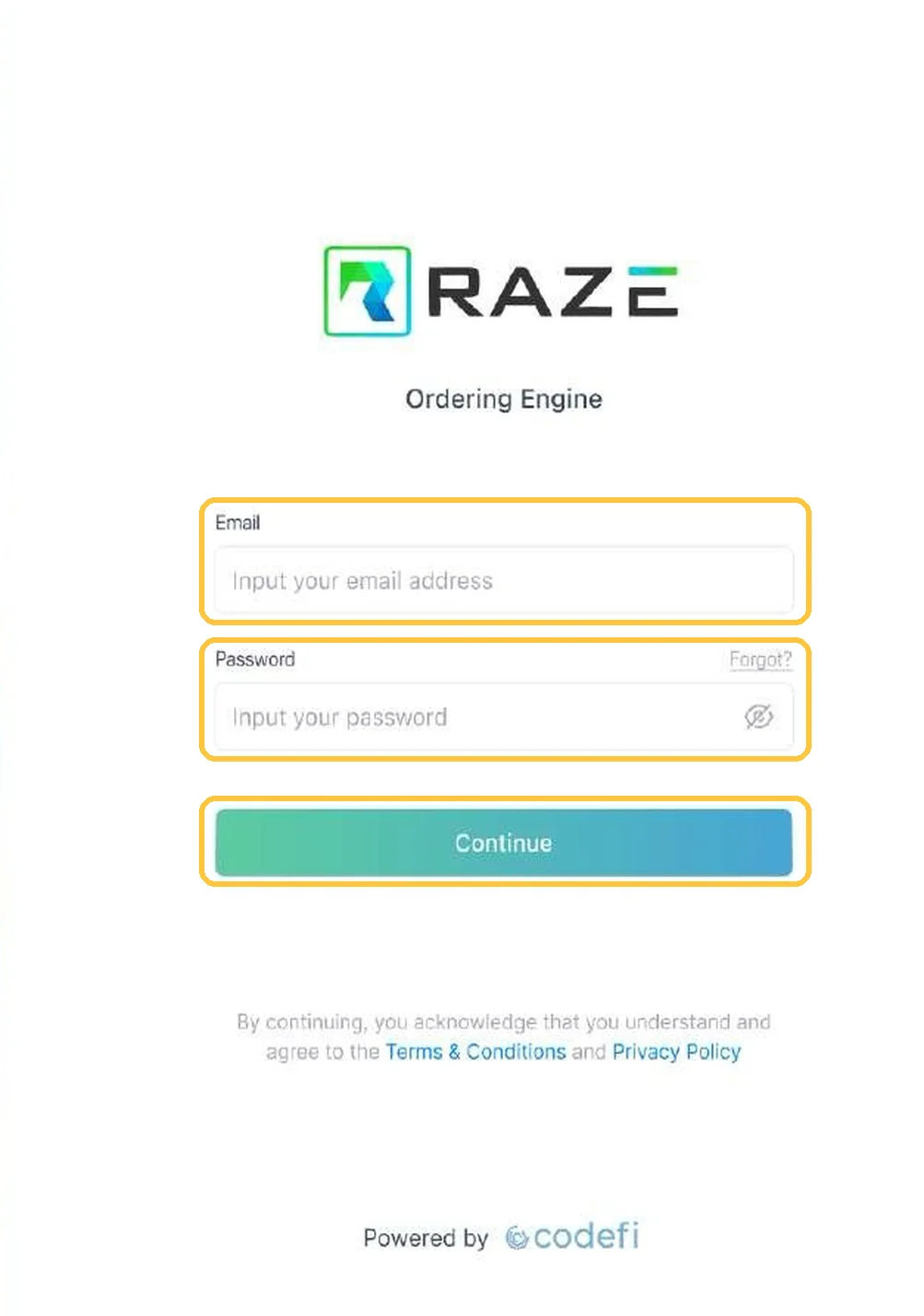
Start hereRuns on: iPhone and AndroidFor field inspectors
Mobile App
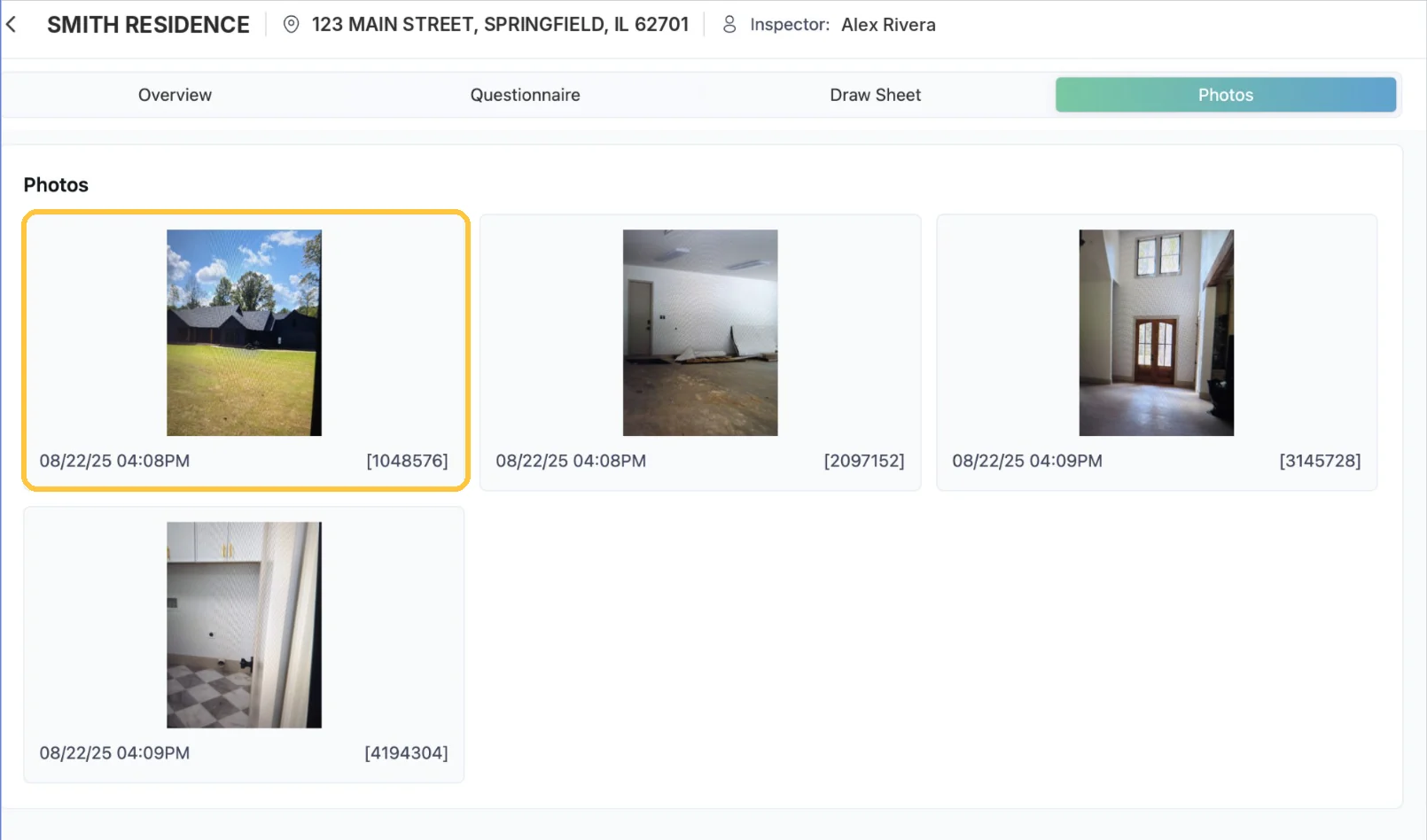
Capture photos, notes and answers on site, then submit a complete report straight from your phone.
8 guides · 3 stages
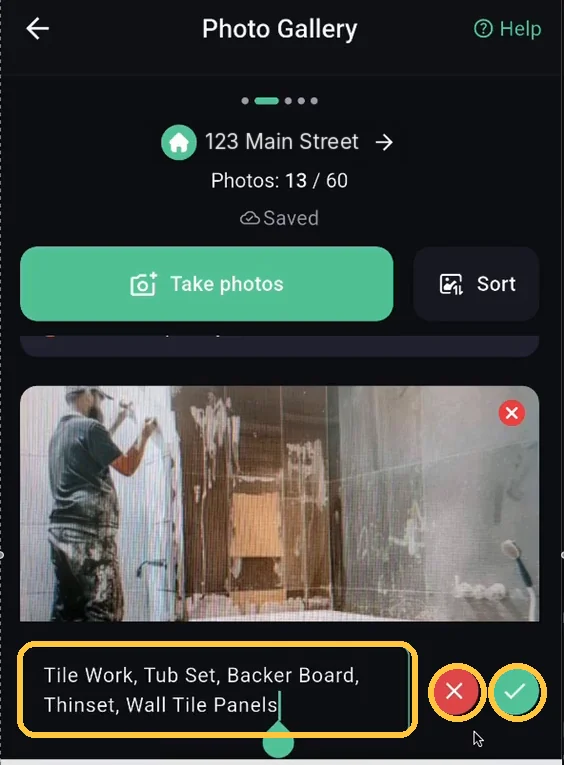
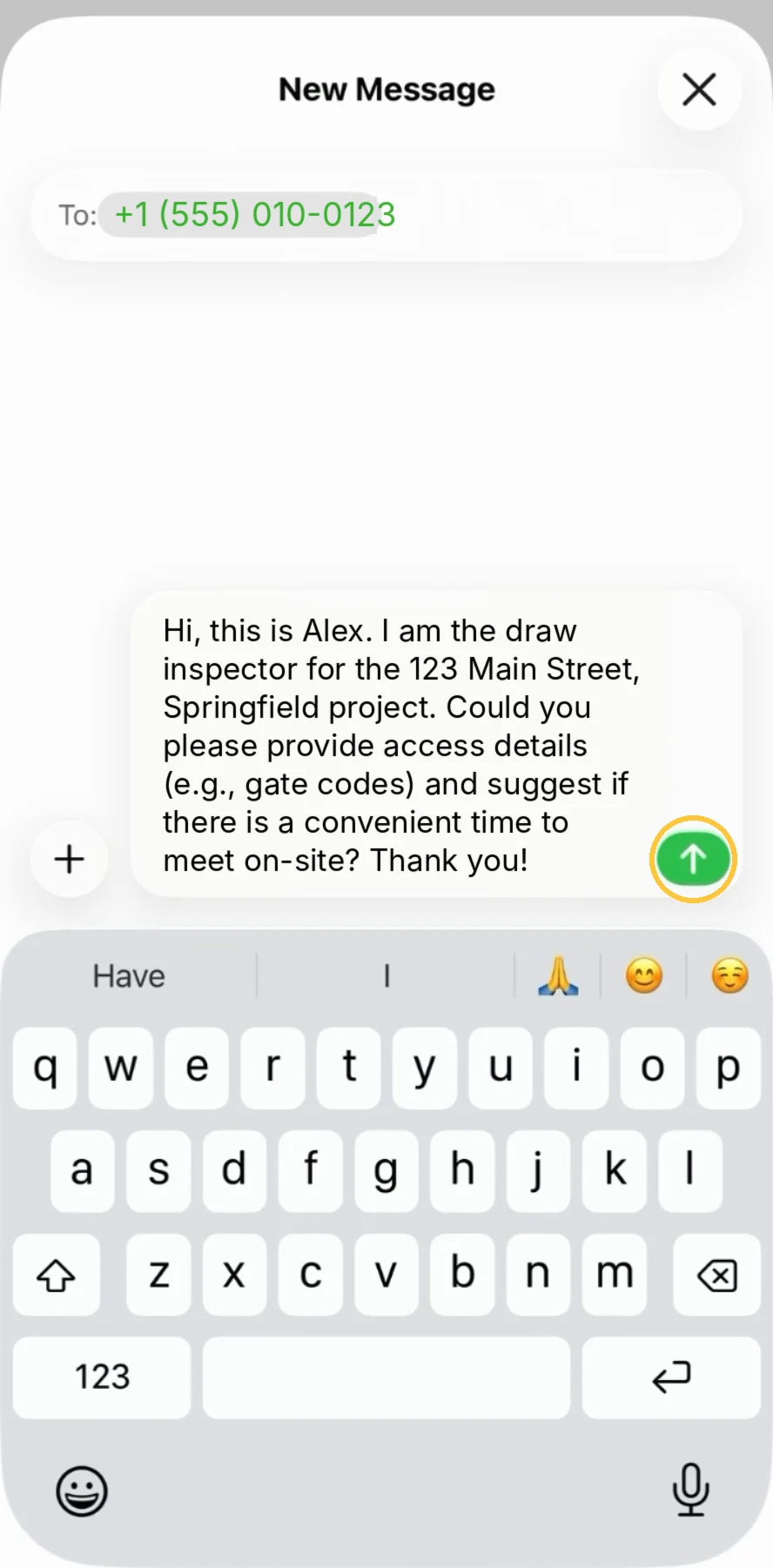
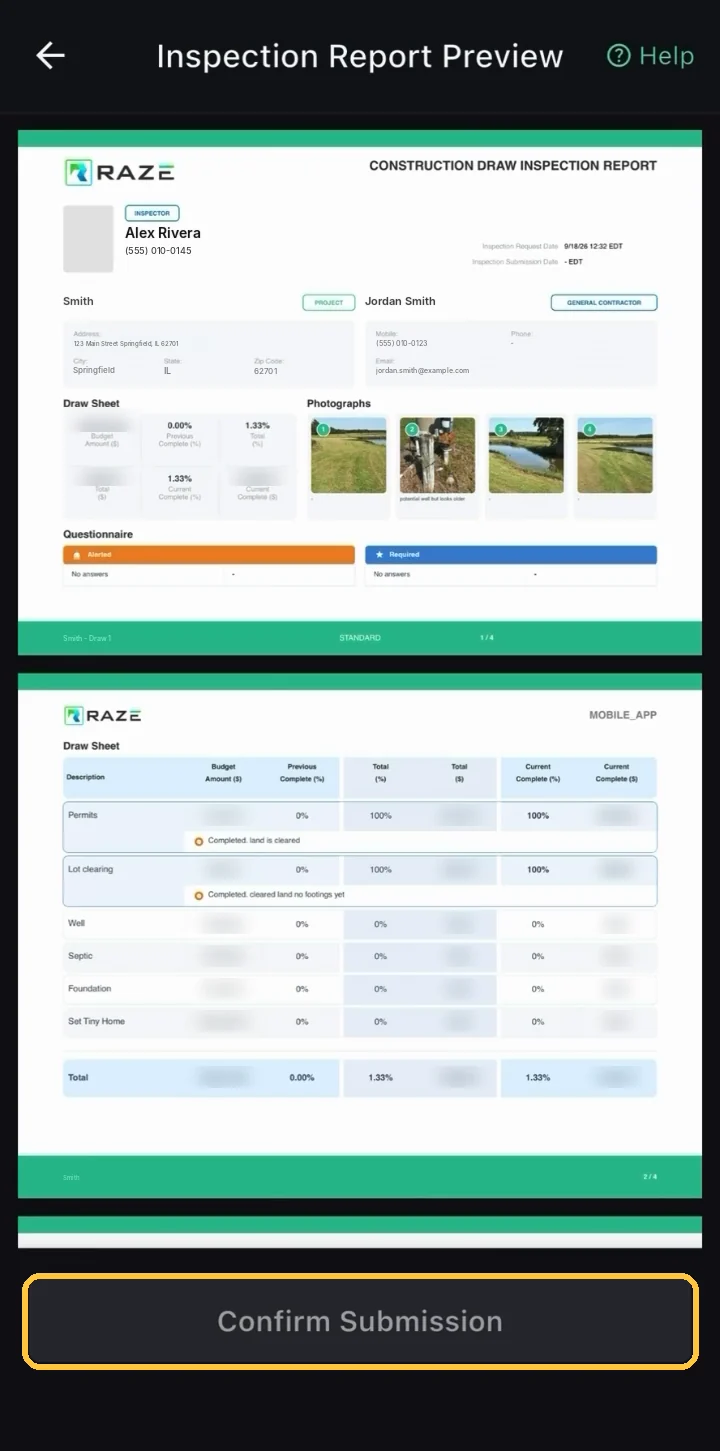
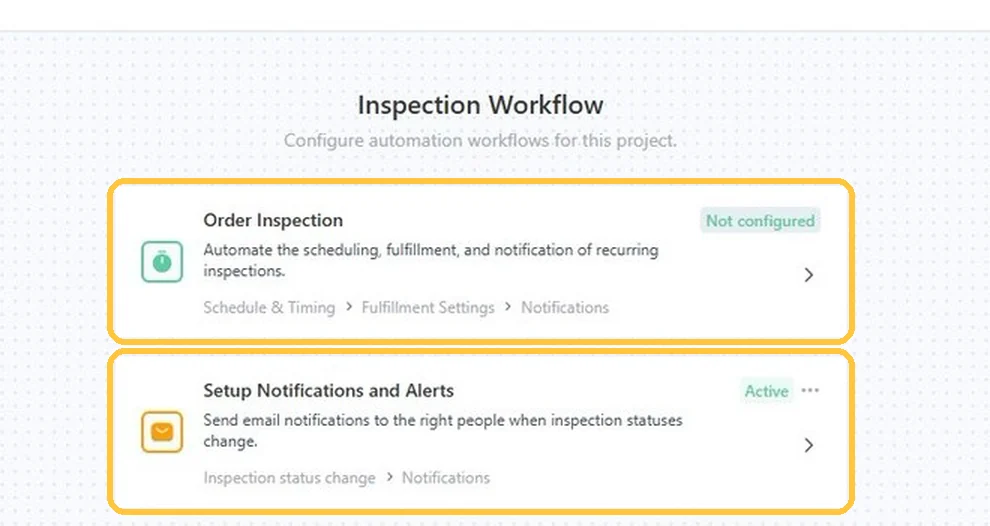
Step-by-step guides for every RAZE product, with a screenshot for each step, written for you and your AI assistant.
Each product has its own guides in the order you work, and each tile shows the devices it runs on.
Pick a product to narrow the search and the guides below.
Capture photos, notes and answers on site, then submit a complete report straight from your phone.
8 guides · 3 stages
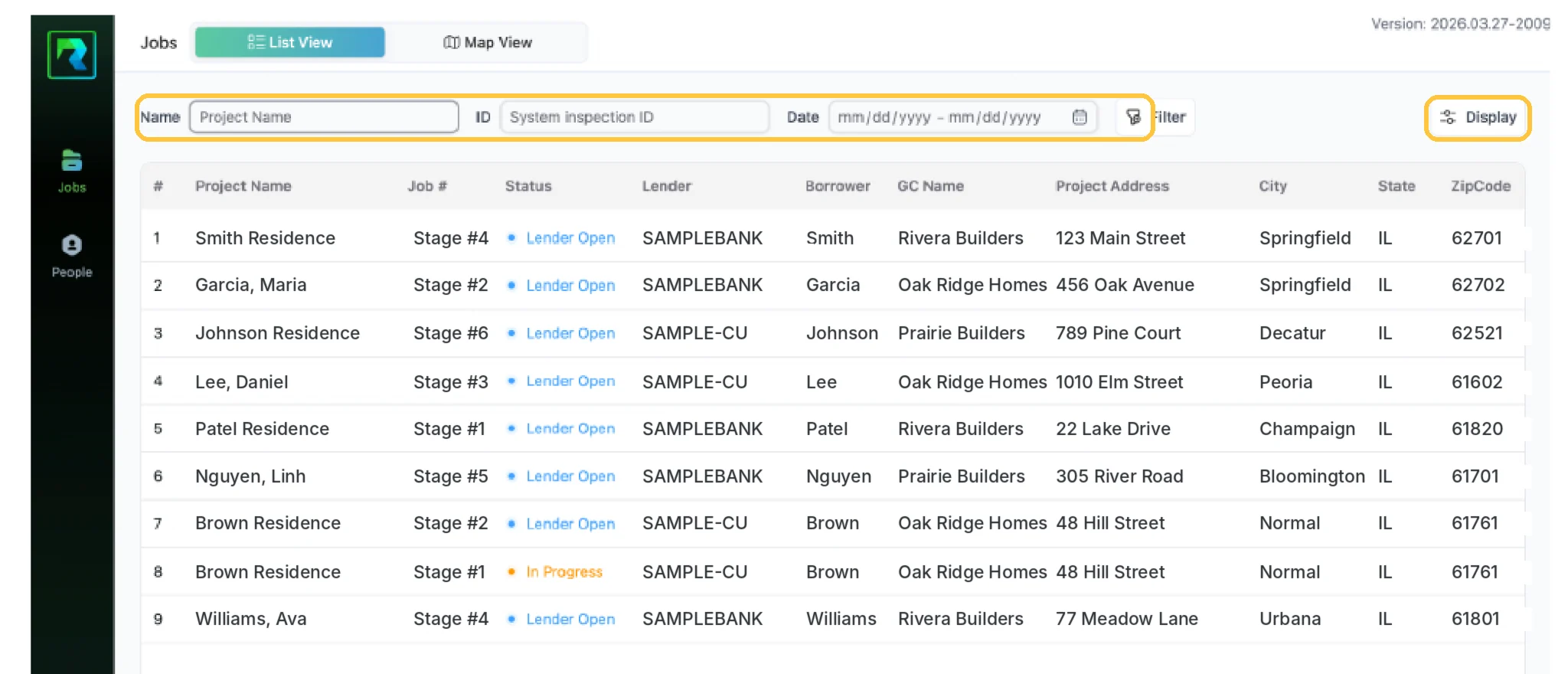
Order and track draw inspections for your construction loans in one place.
15 guides · 4 stages
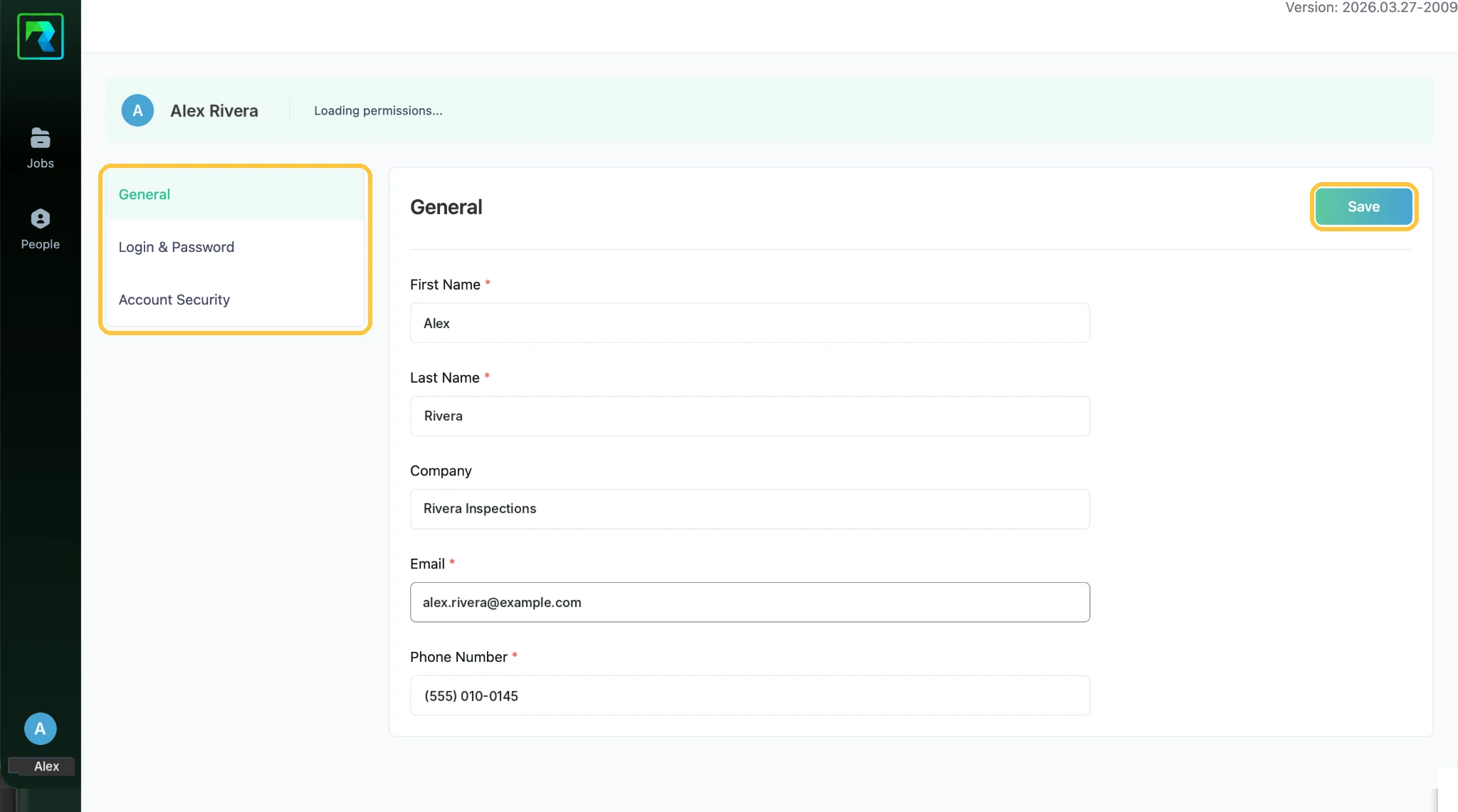
One workspace for draw inspection vendors: jobs, clients and teams, with reports and payouts once work is approved.
13 guides · 4 stages
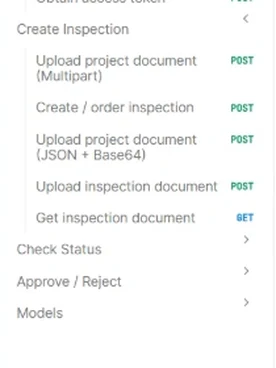
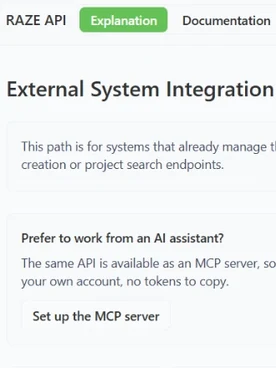
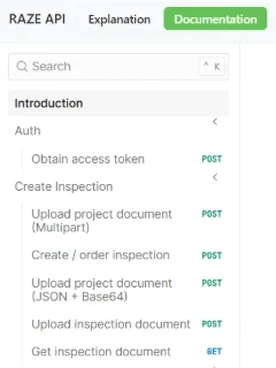
API documentation and setup help to order draw inspections from your own loan system and pull reports and photos back.
10 guides · 3 stages
Guides for these products follow the Mobile App; open one to see what it does today.
Order and review inspections from MCP-compatible AI assistants and agents, signed in with your own RAZE account.
Learn · Ask · Get help
46 step-by-step guides, 155 illustrated steps, a screenshot for each one.
Start learningClaude, ChatGPT, Gemini and Cursor read the same guides, and RAZE AI answers on every page.
See howEvery question routes here, tracked by product and guide, so the next guide answers real demand.
Get helpReadable byClaudeChatGPTGeminiPerplexityCursorand any AI assistant or agent.
Every guide ships as plain text and structured steps, so the assistant your team already uses can teach RAZE too.
Every guide has a markdown copy, and all 46 sit in one file an assistant reads in a single request.
Open the guide fileAll 155 steps are published as HowTo structured data, in order, with the screenshot for each one.
The chat in the corner answers from these guides and links you to the step it used.
Connect an MCP-compatible AI assistant or agent to order and review inspections with your own RAZE account.
See RAZE MCPBring every guide into your assistant.
In a code editor with docs indexing, add https://getaraze.com/tools/llms-full.txt as a documentation source.
Ask RAZE AI for an instant answer from these guides, or send a request and the RAZE support team replies by email.
Ask RAZE AI.
Instant answers from these guides, any time.
Send a support request.
Tell us the product and guide; the form is here.
Call or email.